
Download NetSignet – manage web links, access bookmarks, cross-browser compatibility, system tray integration, organize favorites, quick access to links, personal notes, browser bookmarks, web resource management, efficient browsing
Overview
NetSignet is a productivity-focused tool designed to streamline the management and access of web links across multiple browsers. Its primary purpose is to eliminate the inefficiencies associated with scattered bookmarks and manual navigation through browser-specific favorites. By centralizing access to frequently used web resources, NetSignet enables users to retrieve their saved links quickly, regardless of the browser in use. This functionality is especially beneficial for individuals who switch between different browsers—such as Internet Explorer, Netscape, and Opera—on a regular basis, ensuring consistent access to their digital resources.
The application targets users who rely heavily on web-based tools and research, including students, researchers, content creators, and professionals managing multiple online projects. By integrating directly into the system tray, NetSignet ensures that users can access their bookmarks with minimal disruption to their workflow. The ability to attach personal notes to each link adds a contextual layer that enhances recall and usability, making it more than just a simple bookmark manager.
Although the developer did not provide additional background information, NetSignet has been available since 2005, indicating a long-standing presence in the productivity software space. Its continued relevance suggests a stable and functional design that meets core user needs. In the broader app ecosystem, NetSignet fills a niche for lightweight, cross-browser bookmark synchronization, offering a dedicated solution for users seeking efficiency in digital resource management.
Key Features & Functionality
- Cross-Browser Compatibility: NetSignet supports multiple web browsers, including Internet Explorer, Netscape, and Opera, allowing users to access their favorites without being locked into a single browser environment. This feature is ideal for users who prefer different browsers for specific tasks or who need to maintain consistency across devices.
- System Tray Integration: The app runs quietly in the system tray, providing instant access to bookmarks with a single click. This design reduces the need to open browser windows or navigate complex bookmark folders, significantly improving workflow efficiency.
- Easy Management of Favorites: Users can add, edit, and organize links through an intuitive interface. The straightforward layout ensures that even non-technical users can manage their digital resources without a learning curve.
- Custom Annotations: Each bookmark can be paired with personalized notes, offering context such as source relevance, key takeaways, or project references. This feature enhances the value of saved links by transforming them into actionable knowledge resources.
- Quick Access to Web Resources: With a minimal interface, users can search, sort, and launch links in seconds, reducing time spent on repetitive navigation tasks.
For example, a researcher compiling data from multiple sources can tag each link with a note summarizing the content, making future reference effortless. Similarly, a content creator managing links for multiple campaigns can organize them by project with custom labels and notes.
Interface, UX & Performance
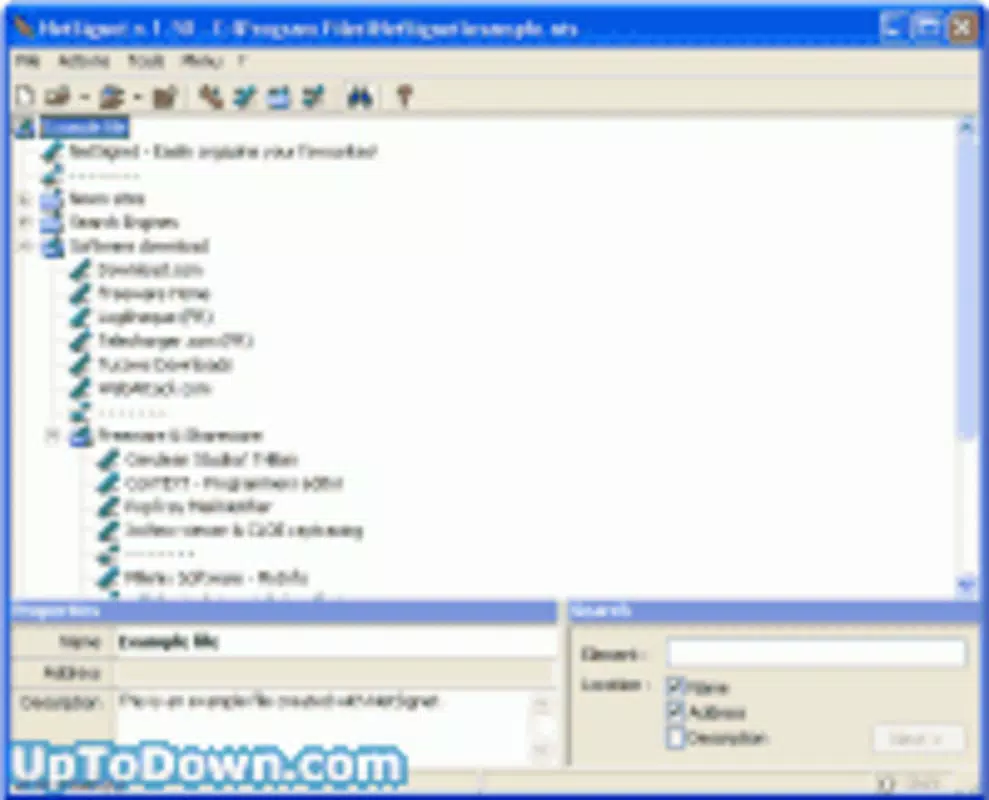
NetSignet features a minimalistic interface focused on functionality and speed. The layout is clean and uncluttered, with a primary list view of bookmarks and a secondary panel for notes. Navigation is linear and predictable, with a clear hierarchy that supports fast access. Users can search through their saved links using basic text input, and the results update in real time.
Although the developer did not list formal performance metrics, the application’s small file size of 1.4 MB suggests a lightweight footprint, which likely contributes to fast startup times and low system resource consumption. The integration with the system tray indicates that the app runs efficiently in the background without interfering with other processes.
Responsiveness appears to be consistent across different device categories, though specific compatibility details were not disclosed. Stability is implied by the app’s long-standing presence since 2005, suggesting a mature and reliable codebase. Users can expect consistent behavior when launching links or managing annotations, with no indication of crashes or freezes in the provided information.
Platform Compatibility & Technical Requirements
NetSignet is designed for the Windows platform and requires a Windows operating system. The software version is 1.0.0, with a file size of 1.4 MB. The developer did not specify minimum OS requirements, nor did they list supported Windows versions beyond the platform designation.
Given its release date of 2005, the app was originally built for older Windows environments, such as Windows XP or Windows 2000. While it may still function on modern Windows systems through compatibility modes, the lack of updated technical specifications means users should exercise caution when installing on newer platforms. No information was provided regarding hardware requirements, installation dependencies, or update frequency.
Pros and Cons
- Lightweight design with minimal system impact
- Efficient access to bookmarks via system tray
- Supports multiple browsers, enhancing flexibility
- Allows custom notes for improved context and recall
- Simple, intuitive interface suitable for all user levels
- Released in 2005; may lack modern interface standards
- No official updates or maintenance information provided
- Compatibility with current Windows versions is uncertain
- Does not support mobile platforms or cloud synchronization
- Price of $24.95 may be considered high for a legacy tool
FAQ
Is NetSignet compatible with modern Windows systems?
While NetSignet was released in 2005 and may run on newer Windows versions through compatibility settings, the developer did not confirm official support for current operating systems.
Can I use NetSignet on macOS or Linux?
NetSignet is designed exclusively for Windows. There is no official support for macOS or Linux platforms.
Does NetSignet sync bookmarks across devices?
There is no information indicating cloud synchronization or cross-device sync capabilities. Bookmarks are stored locally on the device where the app is installed.
Is the app secure to install?
NetSignet is distributed as a standalone executable with a file size of 1.4 MB. As with any legacy software, users should ensure the source is trustworthy before installation.
How often is NetSignet updated?
The developer has not provided any information about update frequency or maintenance. The current version is 1.0.0, released in 2005.
Final Thoughts
NetSignet remains a niche but functional tool for users who value quick access to browser bookmarks across multiple platforms. Its ability to integrate with the system tray and support various browsers makes it a practical solution for those managing a diverse set of web resources. While the interface and technology are dated, its core functionality—organizing links with personal notes—remains relevant.
For users who prioritize efficiency and do not require cloud sync or modern design, NetSignet offers a straightforward, low-overhead alternative to built-in browser bookmark managers. However, its age and lack of updates mean it should be used with caution on current systems.
Download NetSignet now


